ICGC geoservices for desktop applications: Google Earth
How to add maps and aerial photos of the ICGC in Google Earth
To overlay a specific cartography in Google Earth, follow these steps:
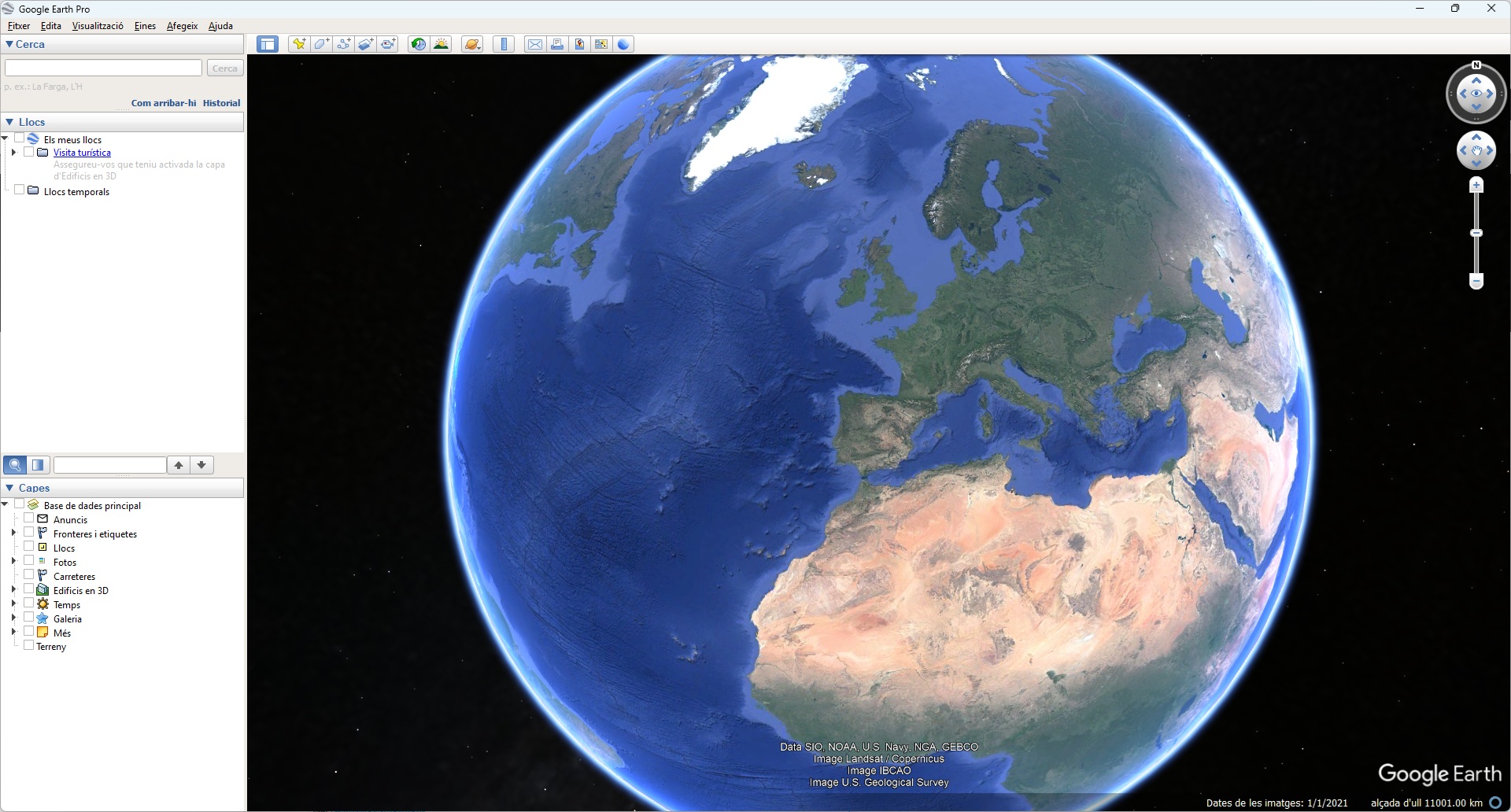
Select Add > Image overlay.
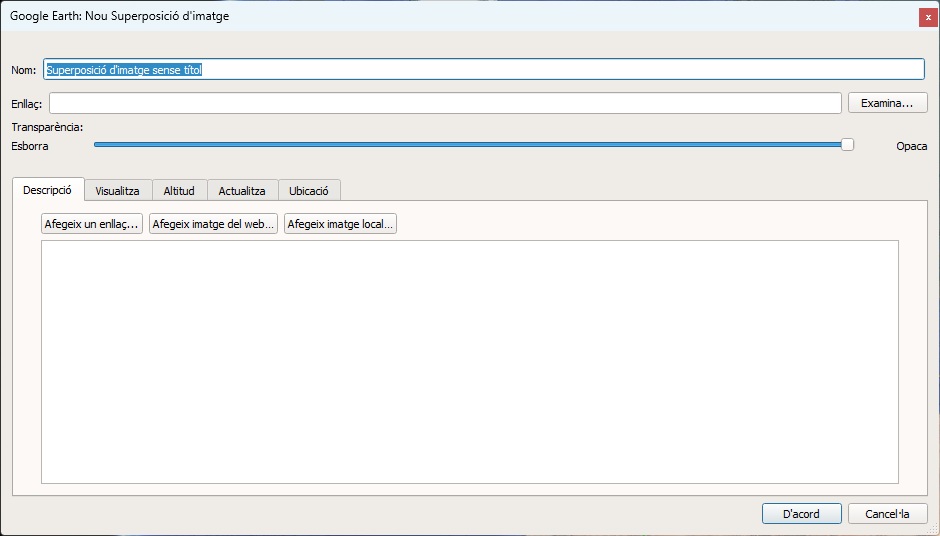
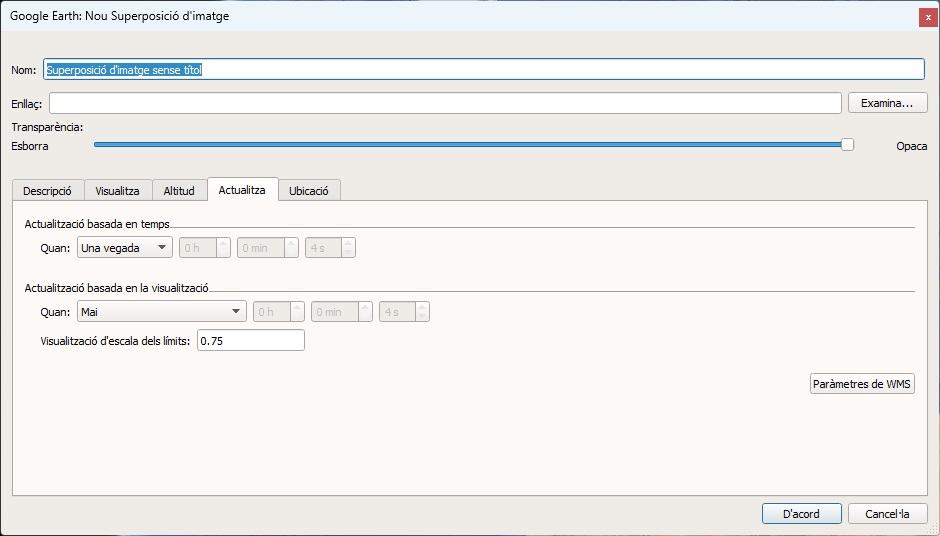
Select the Update tab and then, WMS Parameters.
Select Add and specify the WMS server URL (for example, https://geoserveis.icgc.cat/servei/catalunya/mapa-base/wms?) in the window below. As an example, the next image shows the information that must be filled in order to connect to either of the ICGC servers.
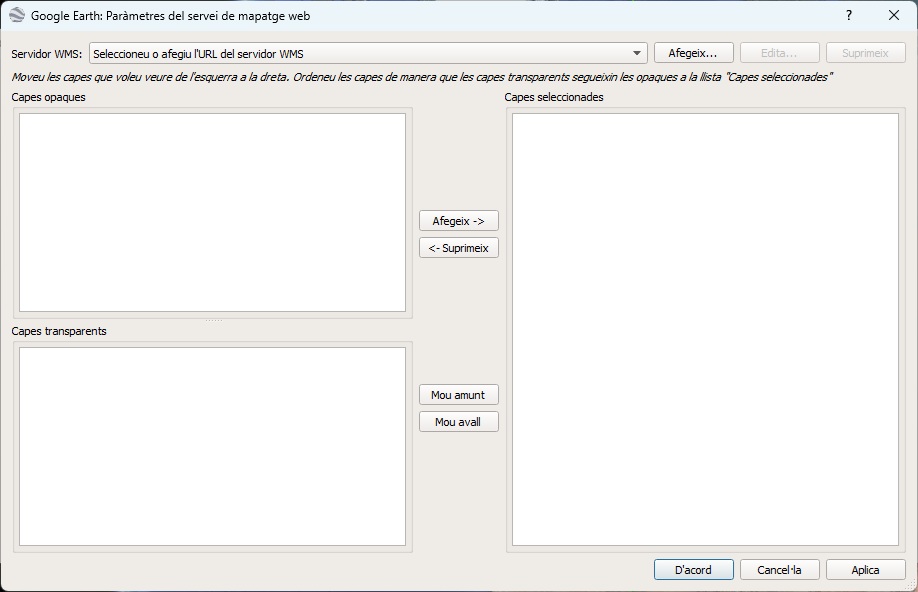
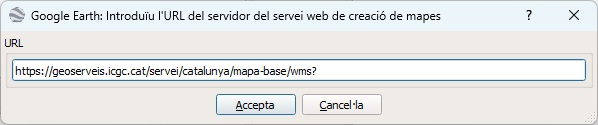
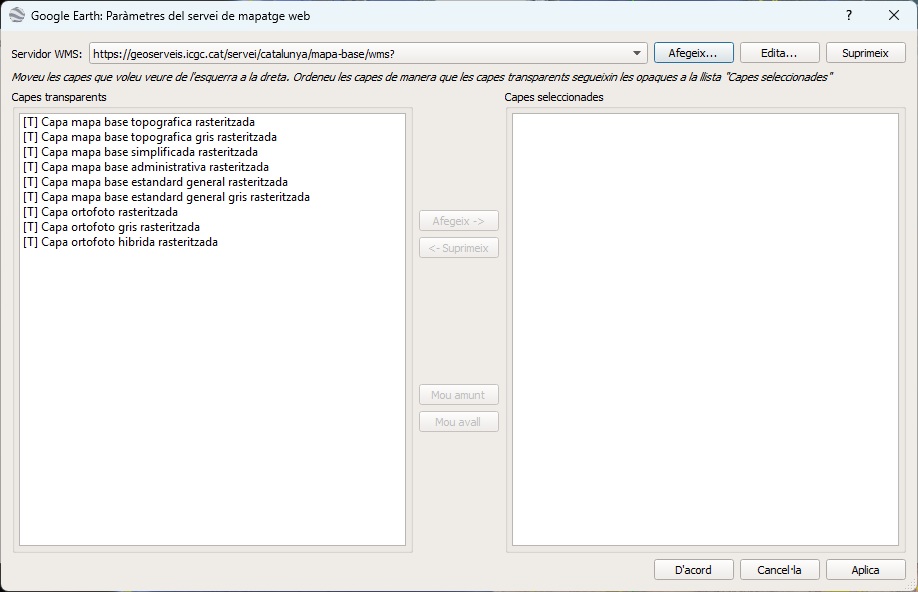
Click on OK and a list of layers offered by the selected server will be shown.
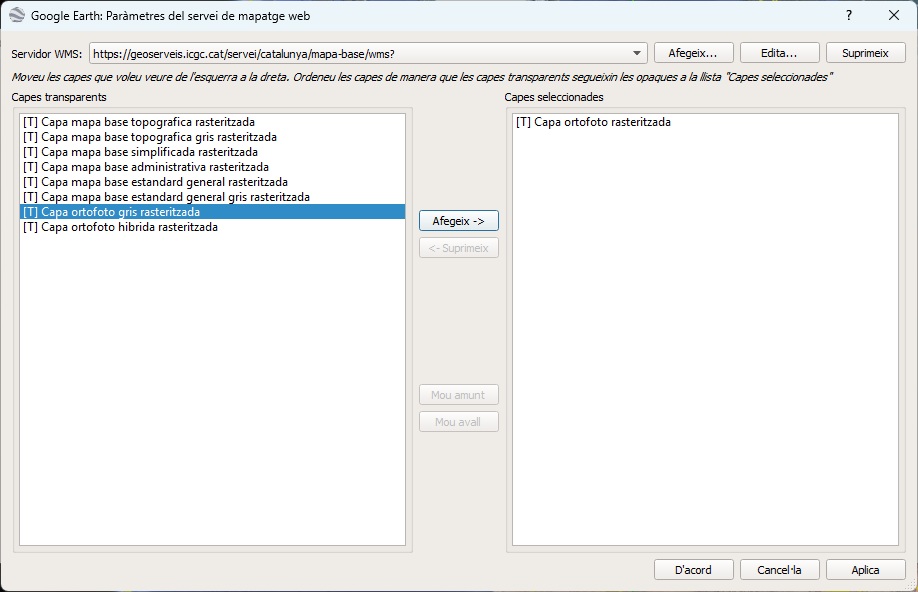
Select layers and click Add to add to the list.
Modify the URL that appears in the Link field, to show you do not wish to apply any style. For this, it is necessary to delete the “default” value associated to the “STYLES” parameter, which is highlighted in the image below. The part of the resulting URL would be: “....&STYLES=&TRANSPARENT...”
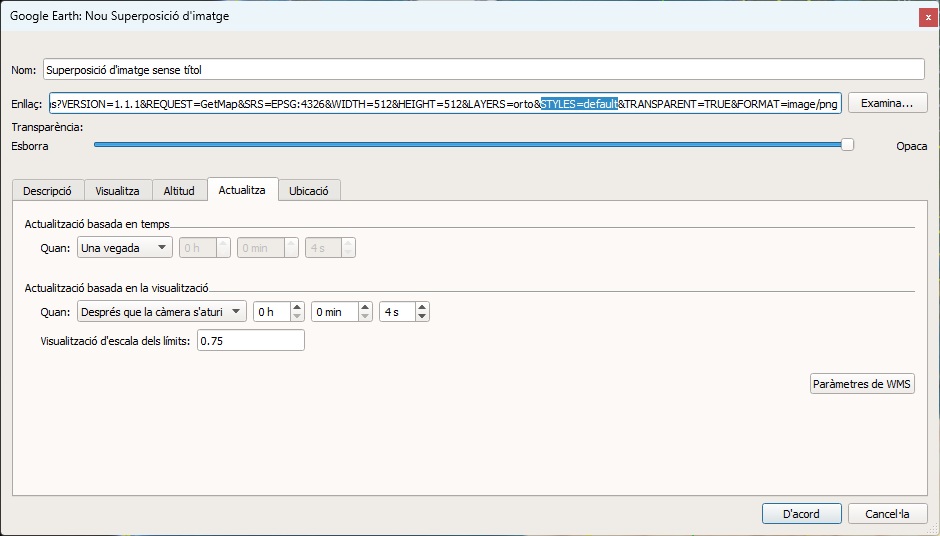
For a better image detail, change the value for the parameters WIDTH and HEIGHT. Put these values: WIDTH=2048 and HEIGHT=2048
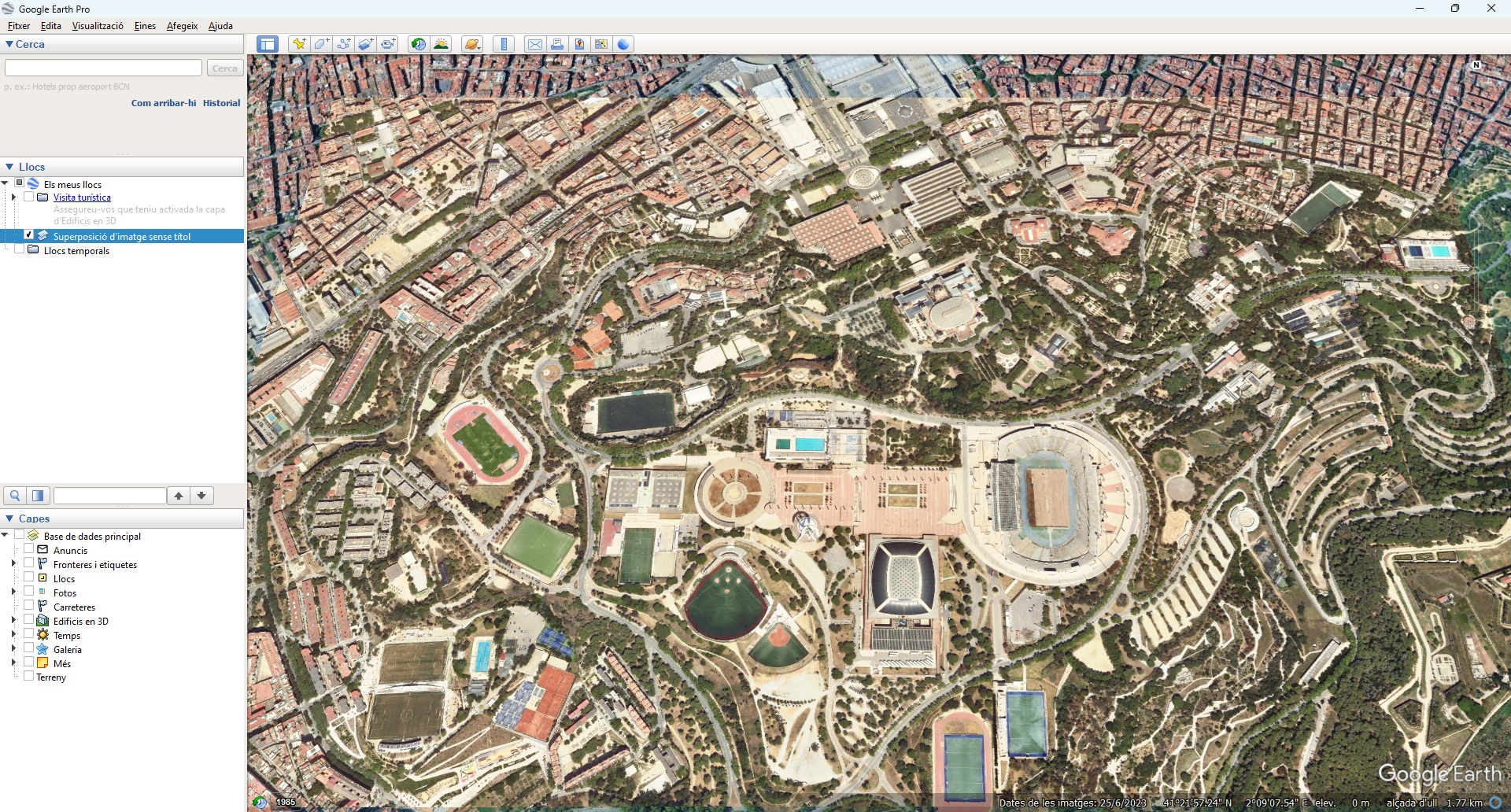
Click on OK and the next layer will appear, added to the list of available layers in the contents table. The image below shows the base map of the images with the ortho images in force in Catalonia on the Google Earth satellite image.